In today’s world, smartphones have become essential for communication, work, entertainment, and more. But one thing that can quickly ruin the experience is a low battery. With so many apps, notifications, and services constantly running, it can be challenging to get through the day without reaching for your charger. Fortunately, there are several effective ways to extend your smartphone’s battery life and make sure it lasts longer throughout the day.
If you want to extend your smartphone’s battery life and get the most out of your device, here are 10 proven tips and tricks that can help you preserve battery power.
1. Enable Battery Saver Mode
Most smartphones come with a Battery Saver Mode that helps conserve energy by limiting certain features, notifications, and background apps. Turning on this mode when your battery is running low can significantly extend battery life. It reduces the performance of some apps and features like location tracking, background syncing, and notifications, so your phone can focus on essential tasks.
How to activate:
- Android: Settings > Battery > Battery Saver
- iPhone: Settings > Battery > Low Power Mode
2. Dim Your Screen Brightness or Use Auto-Brightness
Your phone’s display is one of the most power-hungry components. Reducing the screen brightness or enabling the auto-brightness feature can help you save a significant amount of battery life.
Tip:
- Use the auto-brightness option so that your screen adjusts according to your surroundings. This way, you’re not using excess power in dark environments.
3. Turn Off Unnecessary Wireless Connections
Wi-Fi, Bluetooth, GPS, and mobile data are all essential features, but when you don’t need them, they’re just draining your battery. Turning off unused wireless connections is one of the simplest and most effective ways to extend your smartphone’s battery life.
Tips:
- Wi-Fi: Turn it off when you’re not connected to a network.
- Bluetooth: Disable it when you’re not using Bluetooth devices.
- Location Services: Turn off location-based apps or restrict location access for apps that don’t need it.
4. Manage Background Apps and Refresh Settings
Many apps run in the background and consume battery life by continuously syncing data or sending notifications. You can save battery by turning off background app refresh for non-essential apps.
How to manage:
- Android: Settings > Apps > Background Activity
- iPhone: Settings > General > Background App Refresh
Close apps that you are not using to prevent them from consuming power in the background.
5. Reduce Screen Timeout
Your smartphone’s screen uses battery power, even when you’re not actively using it. Adjusting the screen timeout (the duration of time your screen stays on after inactivity) can help save battery life.
How to adjust:
- Android: Settings > Display > Screen Timeout
- iPhone: Settings > Display & Brightness > Auto-Lock
Reducing the timeout to 15 or 30 seconds will significantly reduce battery consumption.
6. Update Your Apps and Software Regularly
Outdated apps or software can drain your battery because they may contain bugs or inefficiencies that affect power consumption. Keeping your apps and the operating system updated can help resolve such issues and improve battery performance.
How to update:
- Android: Open Google Play Store > Menu > My apps & games > Update All
- iPhone: Settings > General > Software Update
Enabling automatic updates for apps ensures you always have the latest versions, which usually come with performance improvements.
7. Turn Off Push Email
Push notifications for emails can drain your battery by constantly checking for new messages. Instead of having your email pushed to your device in real-time, you can opt for manual refresh or set your email to check at longer intervals (e.g., every 30 minutes or an hour).
How to adjust:
- Android: Settings > Accounts > Email > Sync Frequency
- iPhone: Settings > Mail > Fetch New Data
8. Disable Vibrations
While vibrations are convenient for notifications, they consume more battery than standard ringtones. Disabling vibrations or switching to audio notifications can help save a considerable amount of power.
How to disable:
- Android: Settings > Sound & Vibration > Vibration Intensity (turn off or reduce intensity)
- iPhone: Settings > Sounds & Haptics > Vibrate on Silent (toggle off)
9. Use Dark Mode
Many smartphones now feature Dark Mode, which reduces the amount of light emitted by the screen. OLED and AMOLED screens, in particular, save battery life when using dark themes, as they only need to light up the pixels for bright colors. Enabling Dark Mode on your smartphone can help conserve power, especially if you use your phone extensively throughout the day.
How to enable Dark Mode:
- Android: Settings > Display > Dark Theme
- iPhone: Settings > Display & Brightness > Dark
10. Manage Your Battery Health
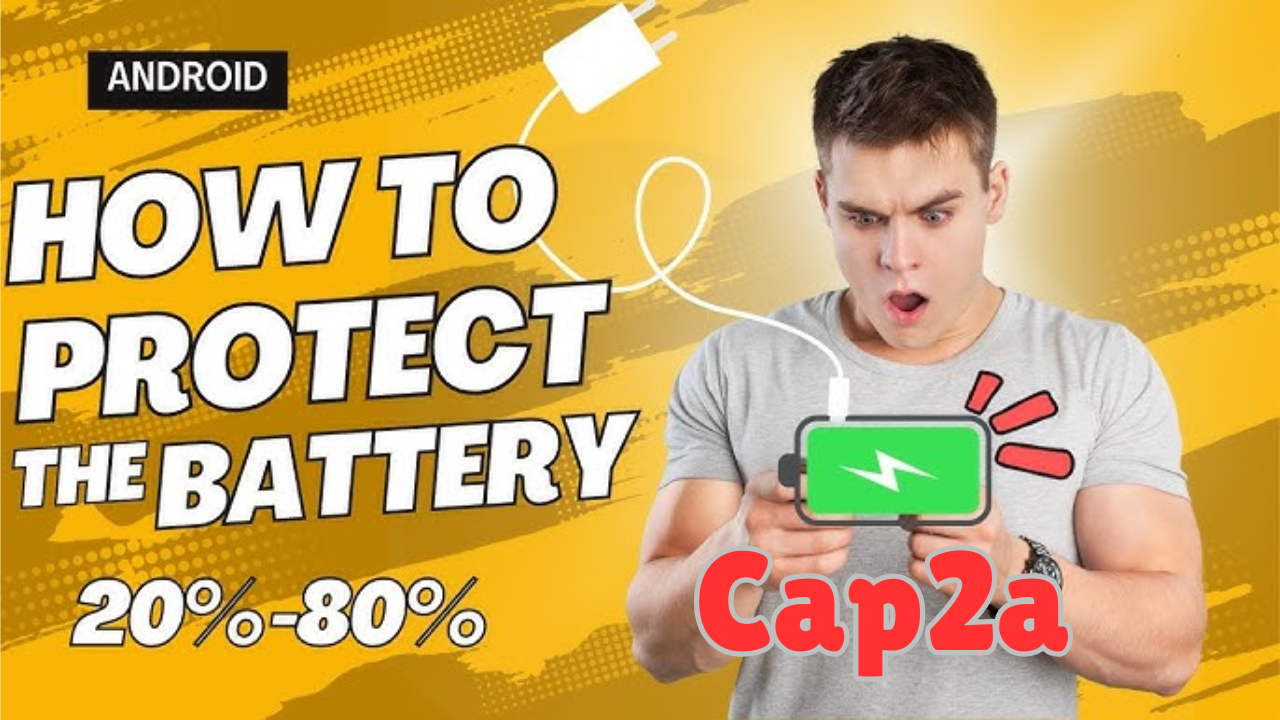
Your battery’s lifespan can be impacted by factors such as excessive charging or prolonged exposure to high temperatures. To optimize battery life, avoid charging your phone to 100% or letting it completely drain to 0%. Try to keep your battery level between 20% and 80% for optimal health.
Tips to maintain battery health:
- Use original chargers and cables.
- Avoid leaving your phone in hot environments (like in the sun or in a hot car).
- Don’t use your phone while charging, as this generates heat and affects battery health.
Bonus Tips: Use Battery Monitoring Apps
There are various third-party apps that monitor your phone’s battery usage and give recommendations on how to improve battery life. These apps provide detailed insights into which apps are draining your battery and how you can optimize your device for better performance.
Conclusion
By following these 10 proven tips and tricks, you can significantly extend your smartphone’s battery life, ensuring that your device lasts longer throughout the day. Small changes like reducing screen brightness, turning off unnecessary features, and managing background apps can have a big impact on power consumption.
Remember, smartphone battery life is a balancing act—while you can optimize settings to preserve power, you’ll also want to make sure you’re using your phone in a way that aligns with your daily needs. By adopting these habits, you can make the most of your phone’s battery, giving you more time to enjoy all the features your device has to offer.